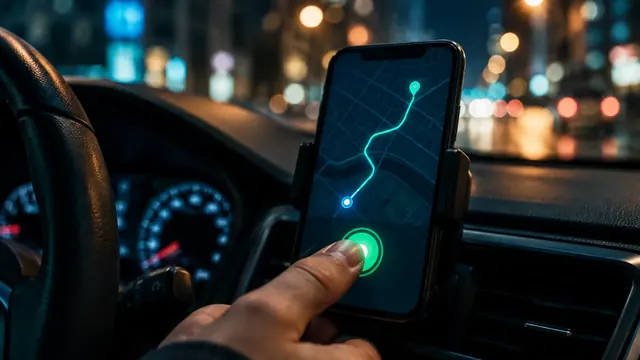

Phone, data and navigation: getting your kit ready for work
Your phone is your work tool. If it dies or loses signal, you lose money. What to set up from day one.
In short
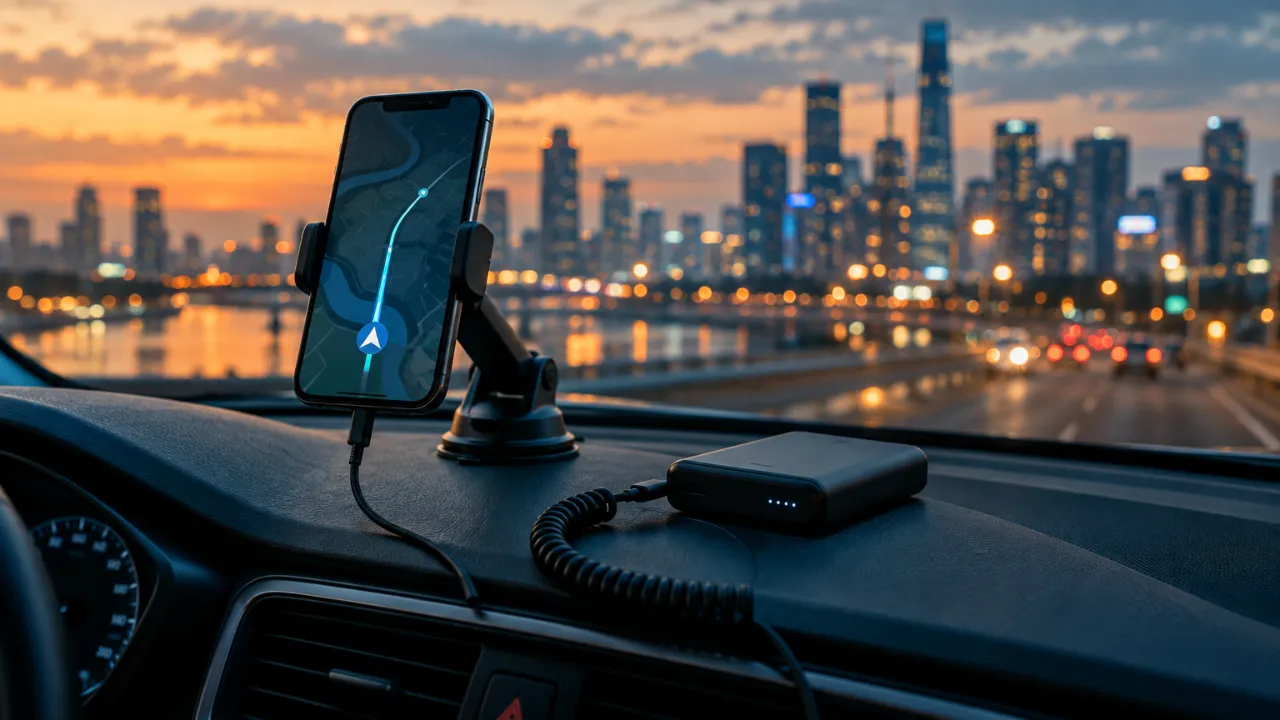
- A mount at eye level + an in-car charger or power bank.
- A data plan with headroom — apps and navigation use a lot.
- Offline city maps for weak-signal areas.
01Hardware
- a solid mount — never hold the phone while driving
- a fast car charger or a 10,000 mAh+ power bank
- a spare cable
- couriers: a waterproof case or handlebar mount
02Phone settings
- Turn on notifications and sounds for the driver or courier app.
- Disable battery saving for those apps — otherwise the system may close them.
- Download an offline map of Warsaw or Poznań in your navigation app.
- Set a screen lock and backups — a phone with access to your account must be protected.
03Mobile data
Apps and navigation run constantly — choose a plan with a big data allowance. A second SIM from another network helps where coverage drops.
?Questions
Which navigation app should I use?
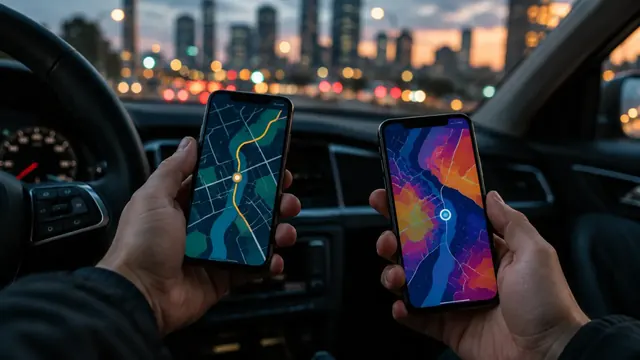
Whichever shows traffic best in your city. Many drivers use the platform’s built-in navigation plus a second app to compare.
Was this article helpful?
Thank you! This helps us write better.
Thanks. Tell us what was missing and we’ll add it. Telegram
Ready to start?
Leave an application — we’ll prepare your documents in 24 hours.