
Accepting and cancelling orders: how it affects your account
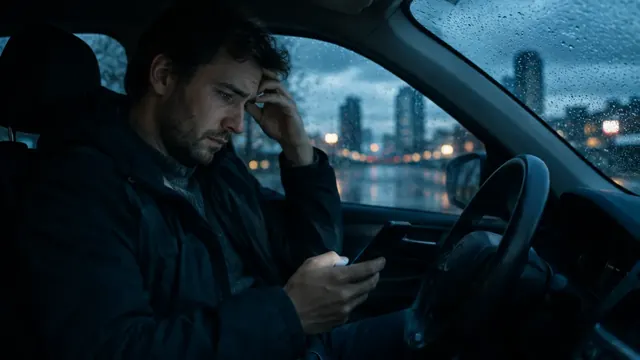
Every platform tracks how many orders you accept and cancel. Here’s when declining is fine and when it hurts.
In short
- Cancelling accepted orders in bulk is one cause of account blocks.
- Better not to accept an order than to accept and cancel it.
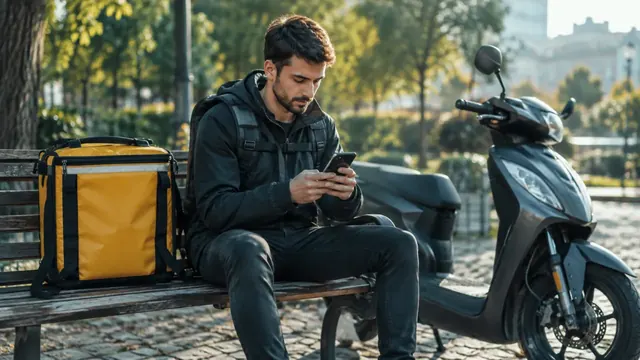
- Taking a break? Switch to “offline”.
01Declining vs cancelling
| Situation | Effect |
|---|---|
| You don’t accept an offer | usually smaller impact, but can lower your acceptance rate |
| You accept, then cancel | counts more, especially with many cancellations |
| You accept and deliberately don’t complete | a serious violation — risk of a block |
02When cancelling is justified
Describe these in the app, choosing the right reason:
- a safety threat
- the passenger didn’t show after the waiting time
- the restaurant takes very long to hand over — after contacting support
- a breakdown of your car or bike
03Good habits
- Check pickup distance and direction before accepting.
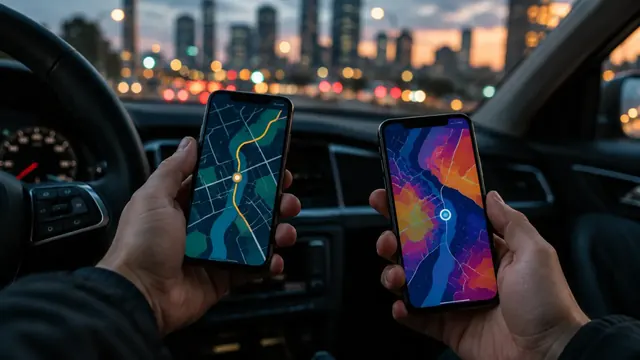
- With several apps, switch the second one off during a trip.
- Taking a break? Go offline instead of ignoring offers.
- Order problem — contact platform support first, cancel second.
?Questions
What acceptance rate is safe?
Platforms show thresholds in the app and can change them. Watch your profile and ask us if in doubt.
Was this article helpful?
Thank you! This helps us write better.
Thanks. Tell us what was missing and we’ll add it. Telegram
Ready to start?
Leave an application — we’ll prepare your documents in 24 hours.