
How to sign your contract with Autenti — 5 steps on your phone
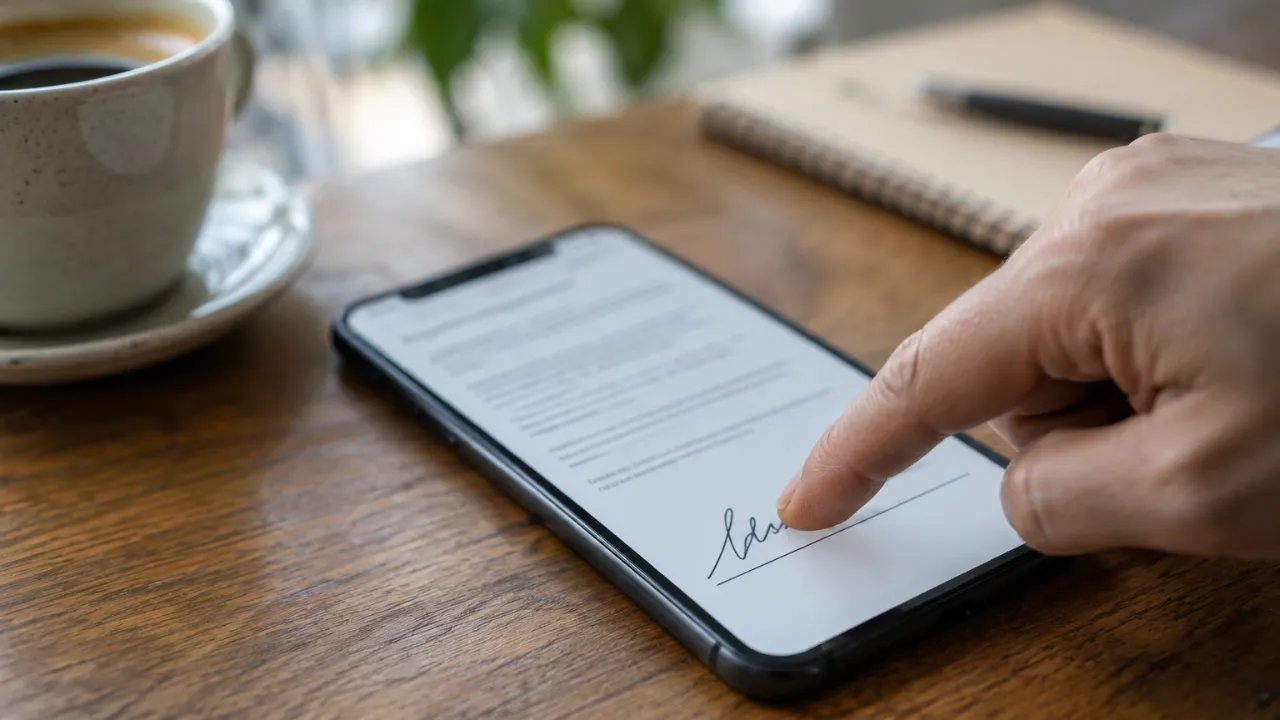
We send the contract by email through Autenti. Signing takes a minute and doesn’t need an office visit.
In short
- The contract arrives by email from Autenti.
- You sign it on your phone — no printing or scanning.
- After signing, let us know; a copy goes to your email.
01Step by step
- Open the email from Autenti.
- Tap “Zobacz dokument”.
- At the bottom tap “Przejdź do podpisania”.
- Scroll down and tick the empty box.
- Tap “Podpisz”.
02Details to prepare for the contract
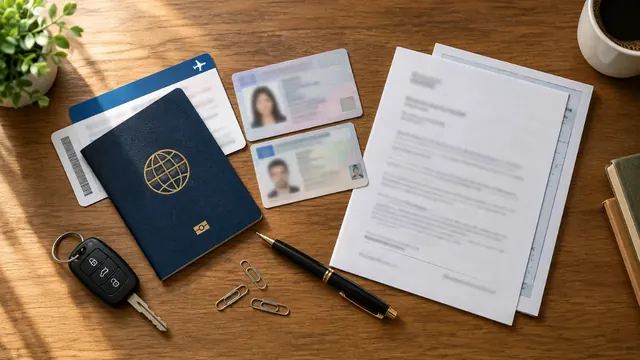
- name as in your passport, passport number, citizenship
- a phone and email you can access
- full address in Poland and PESEL
- date of birth and bank account number (26 digits)
- for taxi — make, model, registration and VIN of the car
Was this article helpful?
Thank you! This helps us write better.
Thanks. Tell us what was missing and we’ll add it. Telegram
Ready to start?
Leave an application — we’ll prepare your documents in 24 hours.